problem
The Konrad Lorenz Research Station (University of Vienna) has multiple terabytes of video data: continuous wildlife footage from fixed cameras monitoring ravens. 1TB translates to roughly 85 days of non-stop video.
Researchers annotate behavioral events by watching the footage. Most of it contains nothing, with occasional brief activity. Watching these videos manually is a time-intensive endeavour.
I wanted to see if I could help out. I worked on the problem at two separate points in time, once in 2019 and once in 2025 when I revisited it.
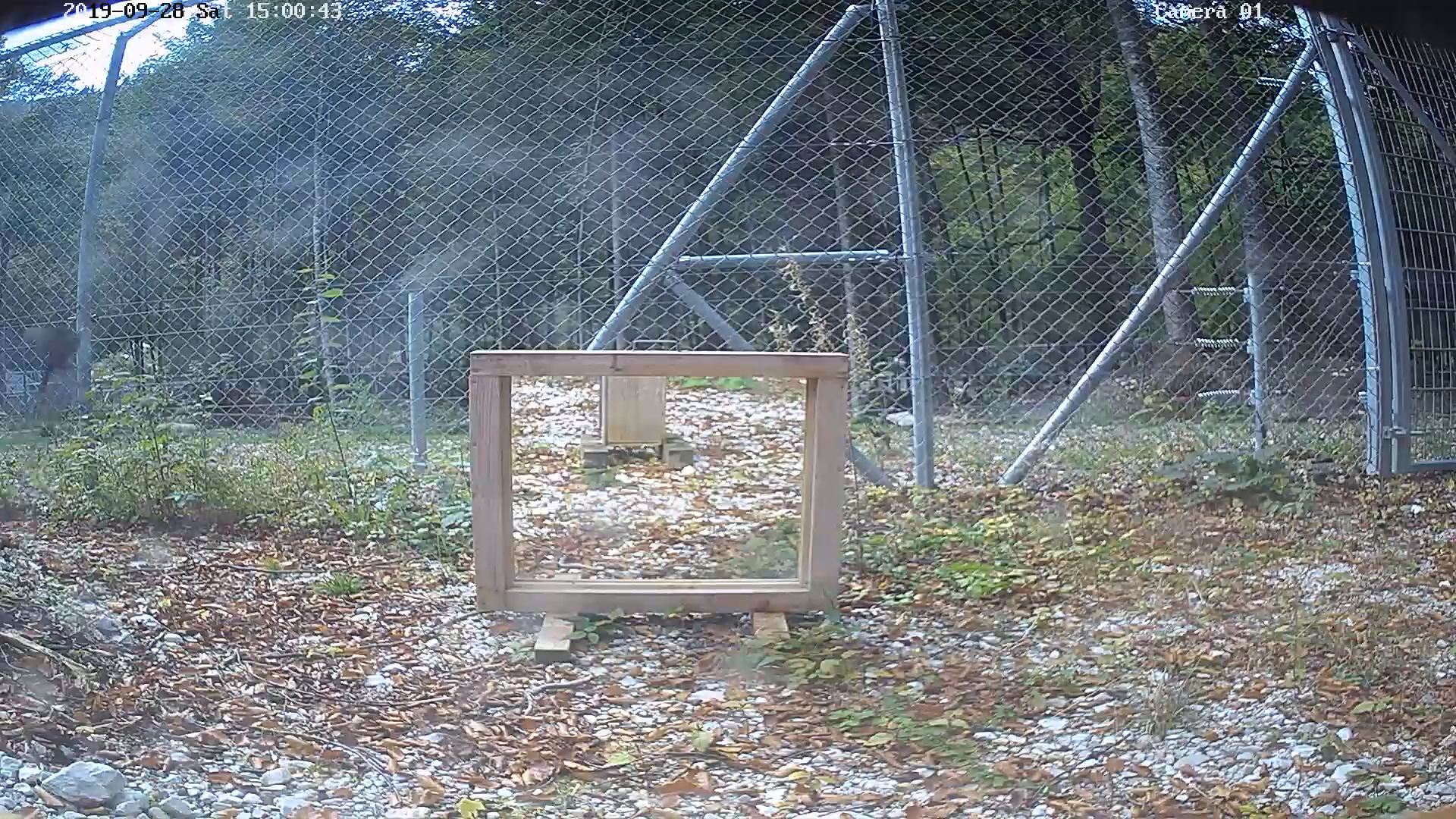
sample footage from the station
first attempt (2019): gpu frame differencing
Stack: Docker, OpenCV, NumPy, CuPy (CUDA), PyNvVideoCodec (NVDEC hardware decoding).
Decode every frame, compute pixel-by-pixel differences between consecutive frames. Areas with large differences indicate motion.
frame differencing output — bright areas show motion
This works, but requires significant compute. I pursued several optimizations.
optimization 1: downsampling
Reduced resolution from 1440×1080 to 360×270, converted RGB to grayscale.
 1440×1080 rgb
360×270 rgb
360×270 gray
1440×1080 rgb
360×270 rgb
360×270 gray
| stage | per frame | 41,250 frames |
|---|---|---|
| 1440×1080 RGB | 4.67 MB | 192 GB |
| 360×270 RGB | 292 KB | 12 GB |
| 360×270 Gray (float16) | 194 KB | 8 GB |
optimization 2: frame batching
Split the 27:30 video into 4 equal segments (~7 min each). Sample one frame from each segment's current position and tile all 4 into a single GPU buffer. Each batch then processes 4 frames at once, one per segment.
Video split into 4 segments (processed in parallel):
GPU buffer → Parallel difference computation:
t
t
t
t
t+1
t+1
t+1
t+1
diff
diff
diff
diff
optimization 3: frame skipping
Process 2fps instead of 25fps. Tradeoff: sub-500ms events get missed. I suspect those are hard to catch manually too.
subject detection pipeline
After identifying motion regions, a second stage detected actual subjects (birds) to filter false positives from wind and changing light: pick one peak frame per activity region, segment it with Meta SAM, classify each segment with ResNet-50 (pretrained on ImageNet), keep only high-confidence "bird" segments.
(segment)
(classify)
The 2025 rebuild dropped this stage. Motion data by itself tells researchers which videos are worth opening.
new approach (2025): h.264 already computed this
Stack: Docker, FastAPI, PostgreSQL, React, ffmpeg, mvextractor, PyAV.
Debugging the pipeline above led to out-of-memory errors on my relatively beefy machine. Fully uncompressing the frames quickly filled up both RAM and swap. The ratio between the original 256MB video file and the 100+GB of fully uncompressed frames made me think about how video compression actually works. I knew motion vectors were used in video compression, so I thought maybe I could read the file directly and extract the motion data from the bytes instead of doing costly frame processing. Turns out that's a very good idea compared to my previous approach.
H.264 doesn't store frames as RGB matrices. It uses two main concepts to reduce storage. One of them solves my problem:
- I-frames (keyframes) — full compressed image
- P-frames (predicted) — motion vectors + residuals, referencing the previous I or P frame
Decoding starts at an I-frame, then each P-frame applies its motion vectors and residuals to reconstruct the next.
motion vectors
Instead of storing pixels, P-frames store how 16×16 blocks moved from the previous frame. A vector like (3, -2) means "copy this block from 3 pixels right, 2 pixels up." The encoder searches for the best matching block and stores only the displacement.
The encoder already did the motion analysis when the footage was compressed.
The image data itself (I-frames and residuals) is compressed too, with a discrete cosine transform. I don't touch that part. The motion vectors are what I'm here for.
what's actually stored in the file
I extracted the motion vectors and residuals from the compressed stream and rendered them as videos for visualization:
motion vectors
residuals
advantages
- no GPU required, runs entirely on CPU
- parallelizable, one video per core simultaneously
- full resolution, complete motion vectors, no temporal or spatial sampling
result
The target machine has a 4-core CPU and no GPU. Frame differencing would run slower than realtime there. Processing 1TB would take months.
| frame differencing | MV extraction | |
|---|---|---|
| dev machine (16-core, GPU) | 17× realtime (5 days/TB) | 168× realtime (12 hours/TB) |
| target machine (4-core, no GPU) | 0.7× realtime (4 months/TB) | 52× realtime (1.5 days/TB) |